 JAPAN GAMING & ENTERTAINMENT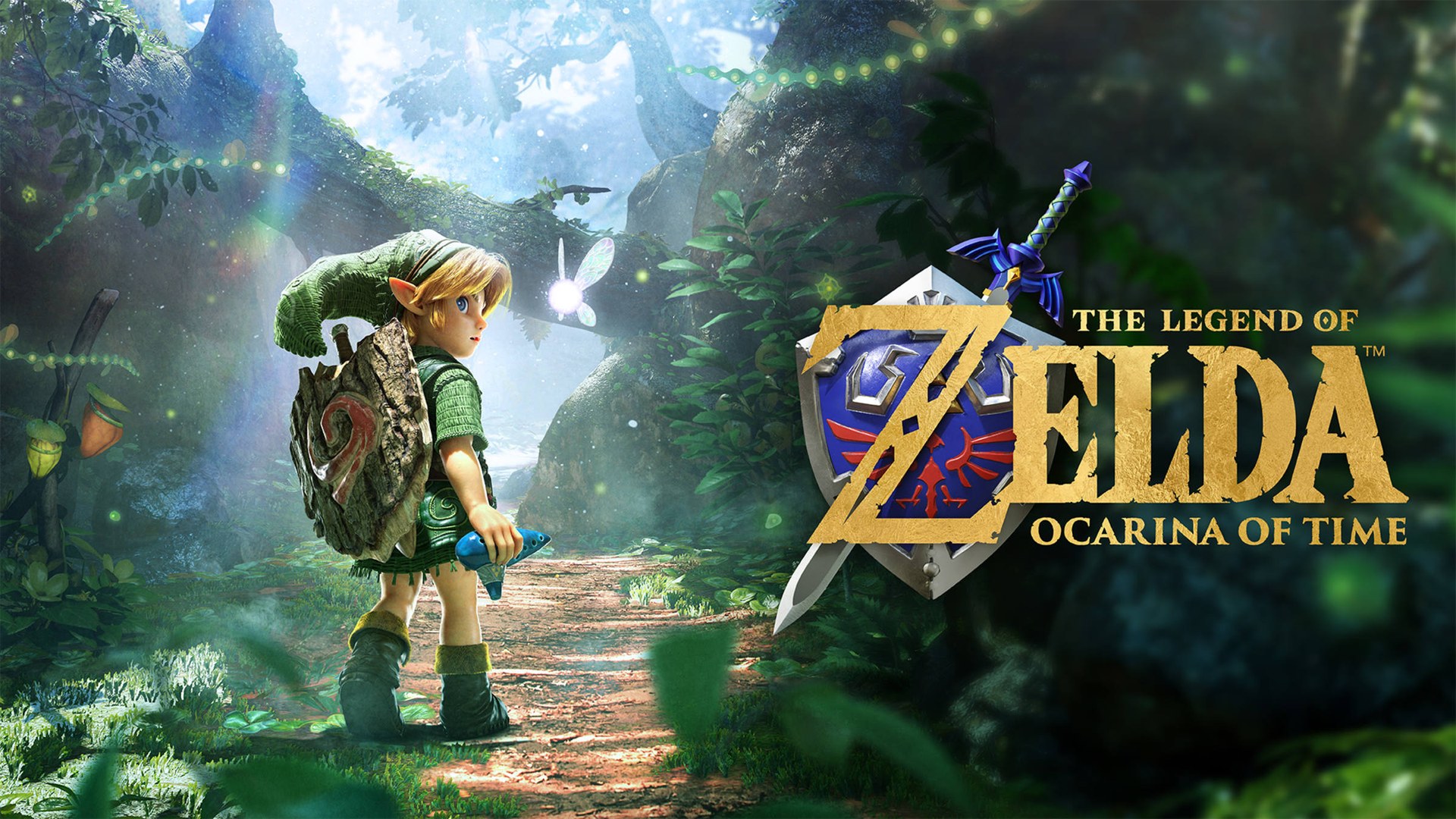
You can now make Link jump wherever you like. The Legend of Zelda: Ocarina of Time, out November 5 on Nintendo Switch 2, has a dedicated jump button, which the 1998 version never had. You can also swing the camera around freely with the right stick.
The original was a Nintendo 64 game. Nintendo revealed the remake’s release date and what’s in it during a Nintendo Direct in September. The music is now played by an orchestra, and conversations in cutscenes are voiced, with more dialogue than before. English is among the supported languages, and the game is single-player.
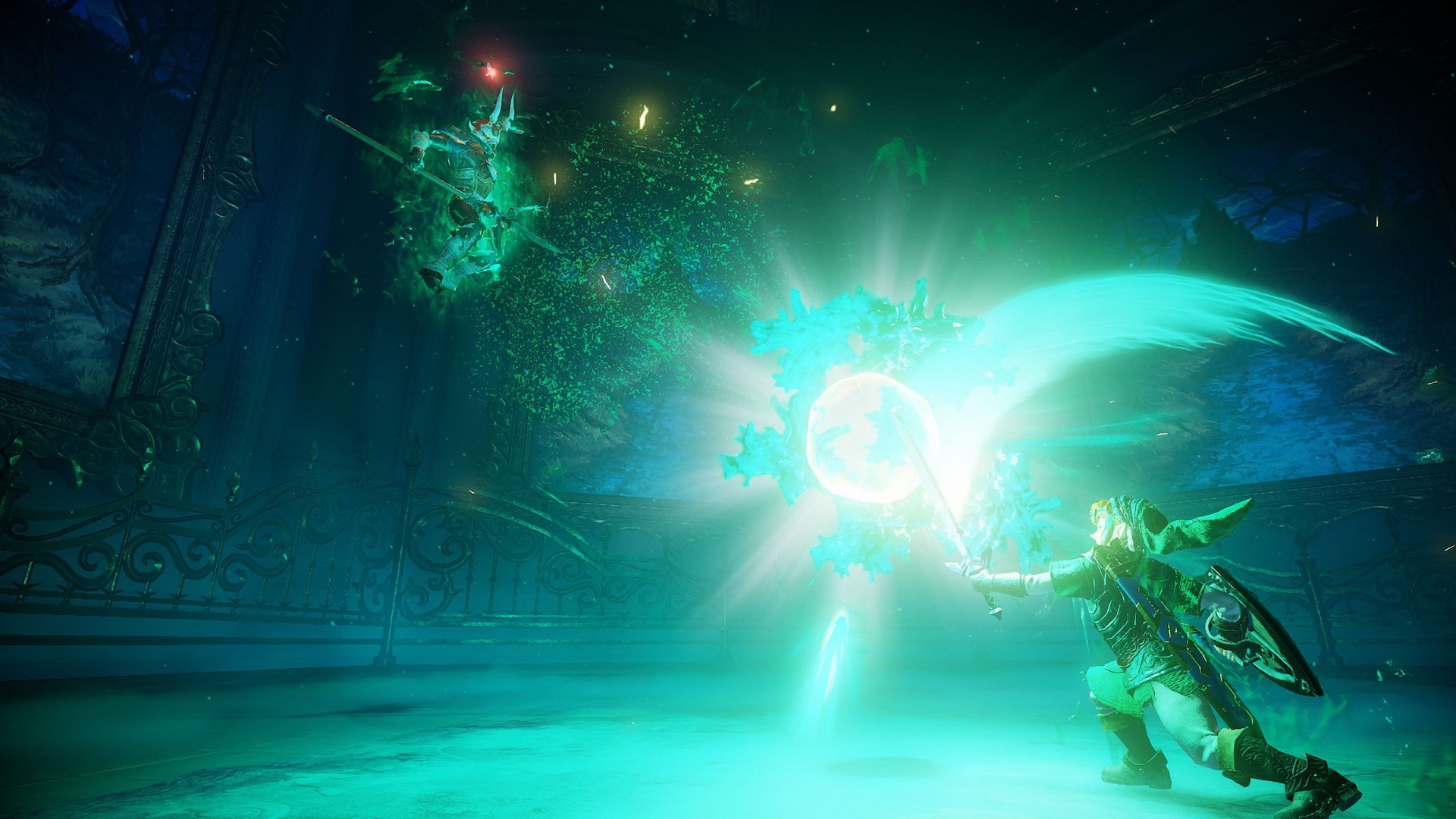
Can you fight bosses you’ve already beaten?
You can. The Hall of Fallen Heroes, revealed in October’s overview trailer, is lined with statues of the monsters you’ve defeated. In front of a statue, you can read about that monster. In front of a boss’s statue, you can challenge it to a rematch.
Threads of Time, revealed in September’s Nintendo Direct, lets you check at any time how far you’ve progressed in the story and what your next objective is. It comes with a large tapestry, and the picture on it fills in as your journey goes on.
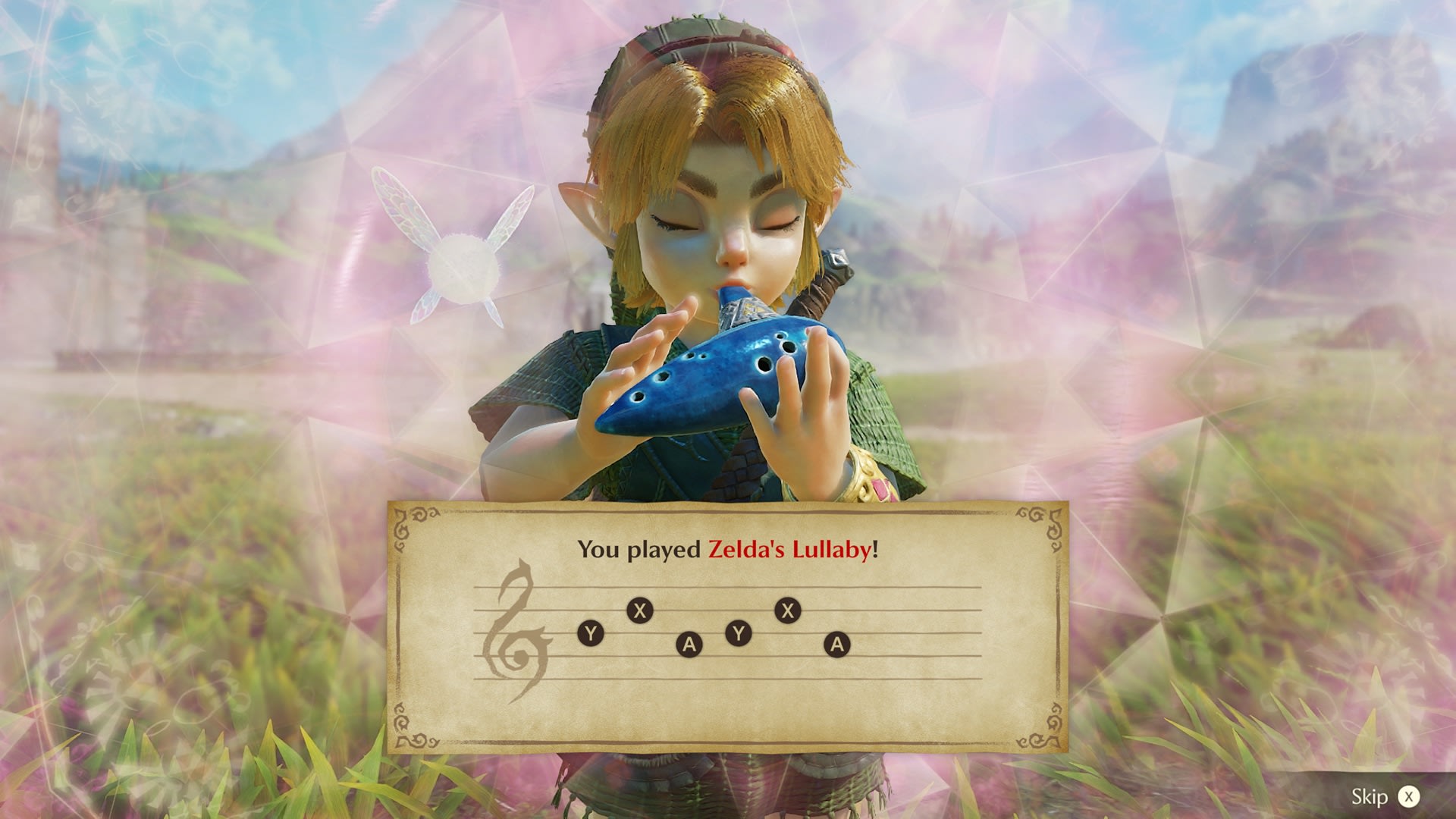
What do you play the ocarina with?
Songs you’ve learned can be hummed or played on a real instrument. The microphone on the Nintendo Switch 2 picks up the sound, and Link plays the song in the game. Buttons work as well.
You can play on a smartphone, too. ZELDA NOTES, part of the Nintendo Switch App, has guided practice and auto-play, and you can share your sheet music with other people by QR code. It also includes a game where you use hint images to find places in the world, plus a quiz with more than 2,000 questions that you can take for free once a day.
HORI is releasing an electronic ocarina, Electric OCARINA OF TIME, later this year. It’s officially licensed by Nintendo, and it isn’t an instrument you blow into. Just as with humming, the console’s microphone picks up the notes the electronic ocarina plays.
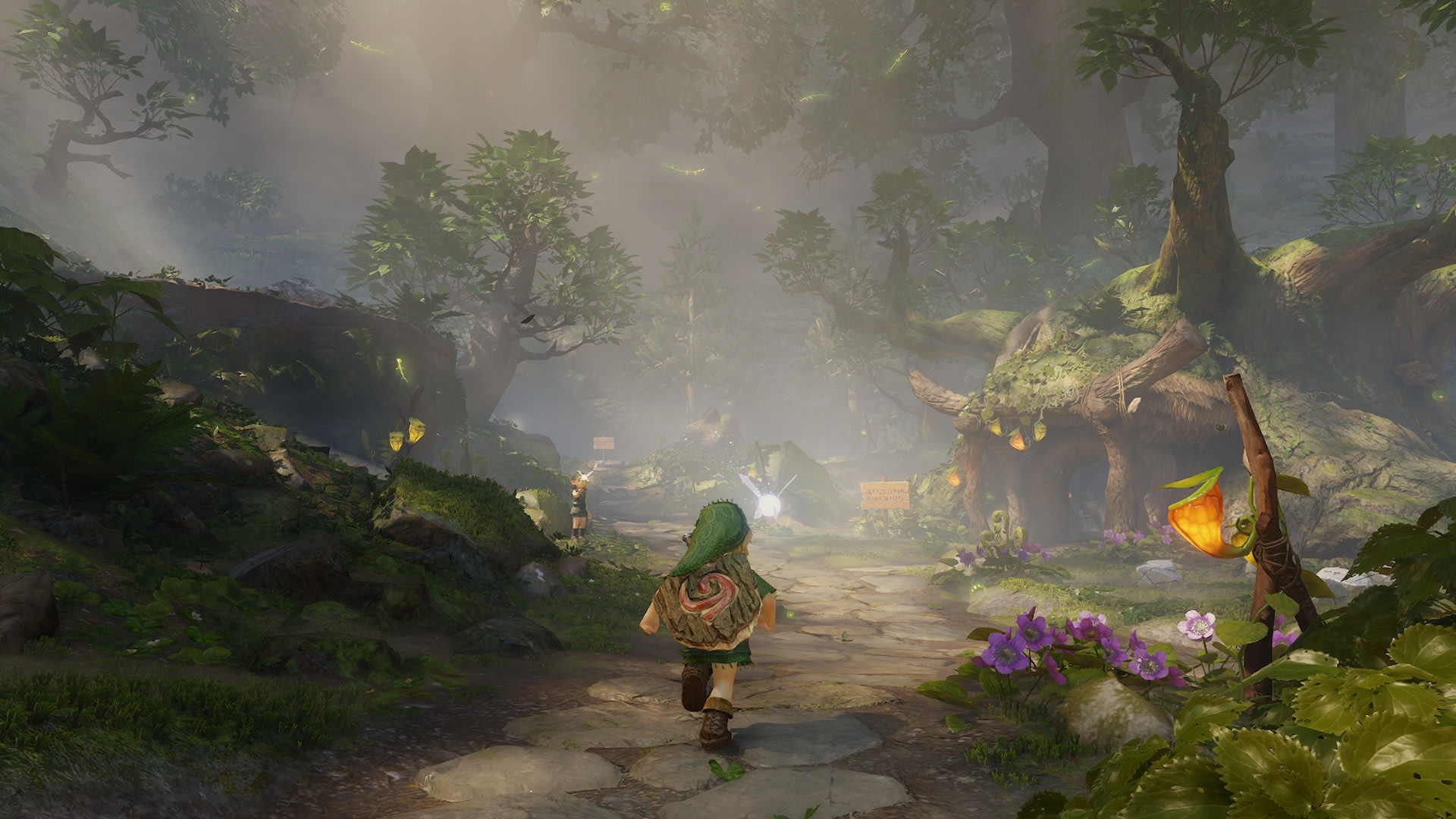
Jump, run, switch items: how have the controls changed?
Nintendo has also given Link a dash. Released footage shows him diving underwater and picking up speed while swimming, too.
A reporter at a major gaming outlet who played for about two hours writes that locking on to an enemy, jumping and pressing Y produces a jump attack. You can now swap items through a menu at the top of the screen, opened with L or R. Unlike in the original, the reporter says, the game doesn’t cut away to the Start menu to do it.
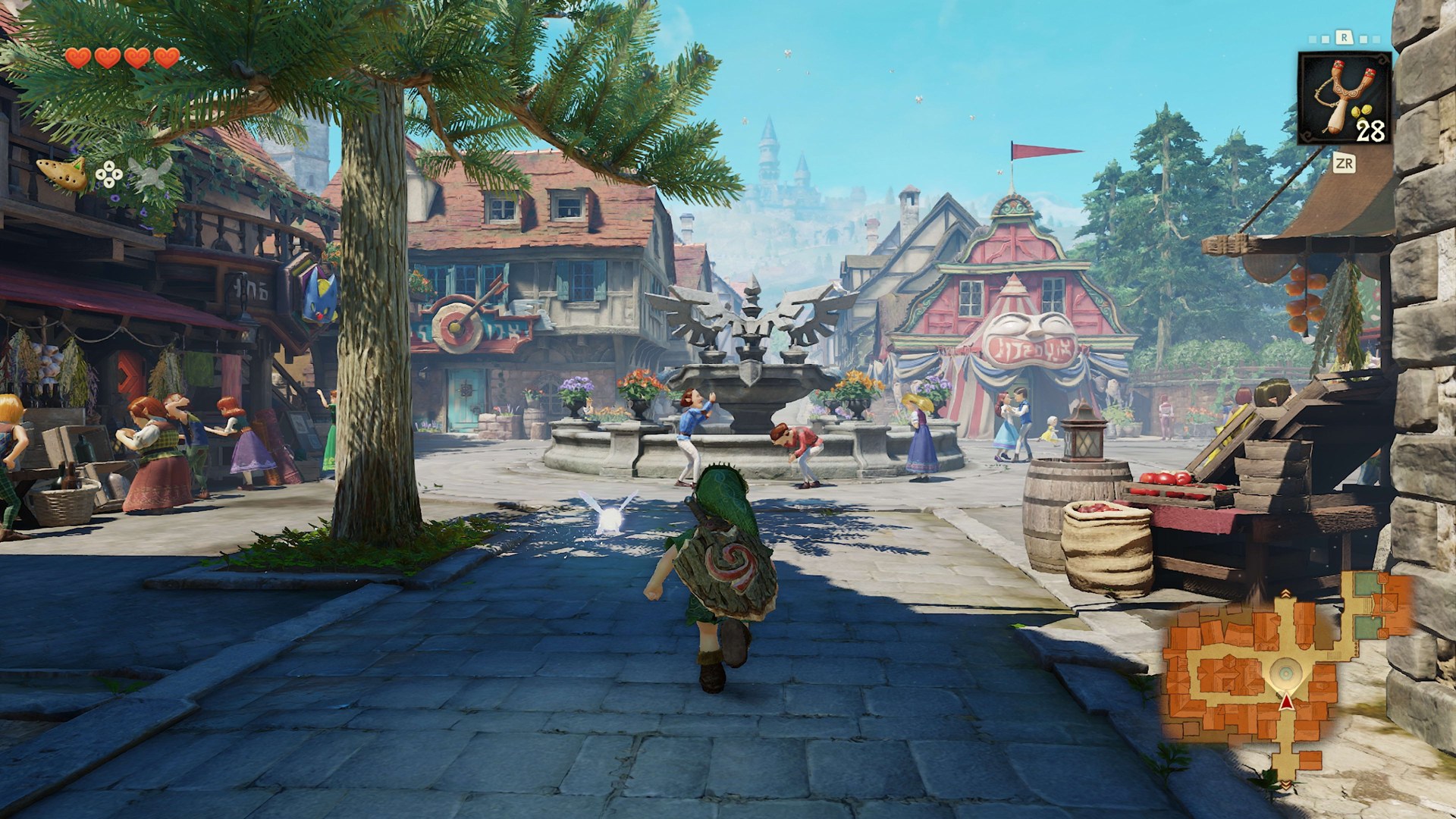
What’s different in Hyrule Castle Town, and on screen?
Nintendo says load times are shorter. Day and night change wherever you are, including inside towns.
In the same hands-on, Hyrule Castle Town was one connected place, from the square through the back alleys and into the shops, without any loading interruptions. A Japanese gaming outlet reports that the loading screens between areas were kept on purpose, to preserve the feel of the original. The hands-on reporter also writes that the game runs at 60 frames per second, up from the original’s 20.
According to that reporter, the on-screen display can be set to one of three levels, and it disappears at the lowest setting. A map in the corner of the screen shows the direction you’re facing and rooms you haven’t entered yet. Navi now gives advice when you lock on to an enemy and press right on the D-pad, so Navi cuts in uninvited less often. Lines from townspeople and from Navi appear in speech bubbles, and more Rupees drop, the reporter adds.
Threads of Time can show your next objective whenever you want it, and a setting can hide the display. Push ahead without ever getting lost, or explore with nothing on screen: it looks like the same game will let you choose.